
 View what's in this topic
Creating a Click-through Graphic Object
Note: EPS file format is not supported in dynamic NG documents.
The click-through feature enables you to create a sophisticated frame for an image or text. This is done by placing a graphic object with a transparent area on top of another graphic or text object. The top object functions as a frame for a bottom object. The object at the bottom can be a dynamic content image or text object, or a static object.
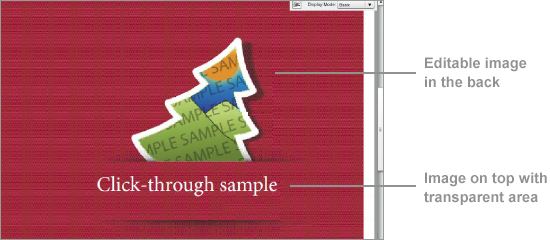
To create a click-through graphic object:
-
In Adobe Photoshop, create a top image with a transparent area. The supported image format is EPS but the EPS images must be adapted for use in uEdit.
-
In uCreate Print, integrate the top image in the InDesign template.
-
Export the file as XLIM.
-
Upload the CPKG file to uProduce.
-
Upload the document to uStore.
-
Set the click-through image with uEdit.