
 View what's in this topic
Using the video URL
You can access the personalized video URL, which can be used to insert a link to the personalized video in your HTML page or email. You can also use the provided snippets to create your own personalized video HTML pages.
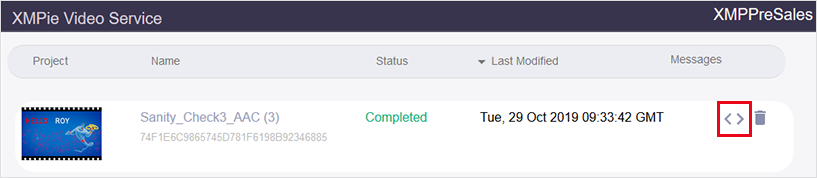
From the projects list, click the code icon  of the required project.
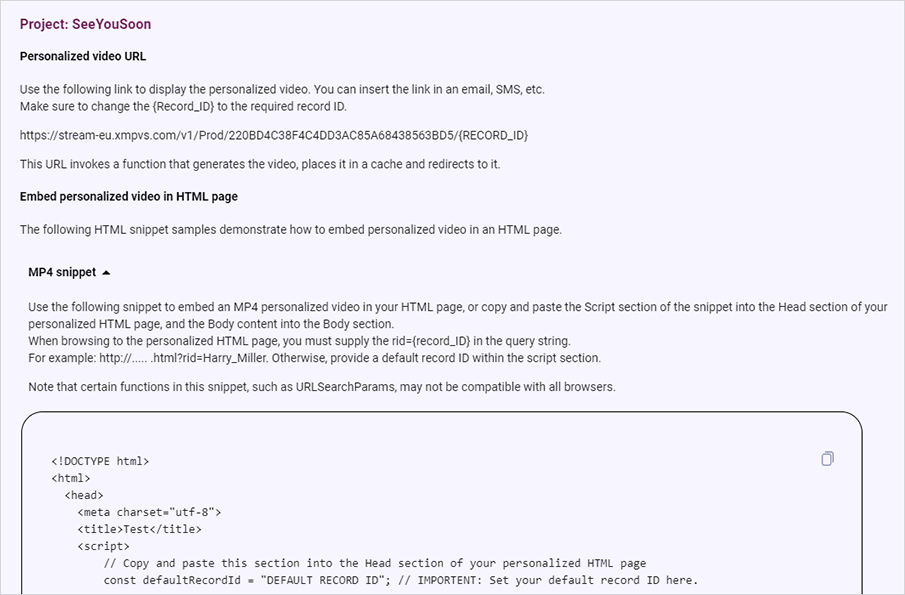
A window opens, providing you a personalized video URL which you can insert into an email, SMS or webpage, and several snippet samples which can be embedded in your HTML pages.
You can also copy the personalized video URL from within the project page using the Copy URL button.