View what's in this topic
Defining Sheet Sizes
A sheet size (also referred to as paper size or printer’s sheet) describes the sheet that the document’s pages are placed on. Named sheet sizes appear in the Type dropdown of the following post composition operations:
-
Impose Output File, where the sheet size sets the size of the imposed sheet.
-
Page Overlay Elements, where the sheet size sets the page size of the preview only.
They are also available in the deprecated Imposition section of the Process page. You can view the available sizes and add new ones to the list.
Log in to uProduce as an administrator and go to Settings > Sheet Sizes. The width and height of sheet dimensions are shown with the measurement unit which has been set in User Preferences.
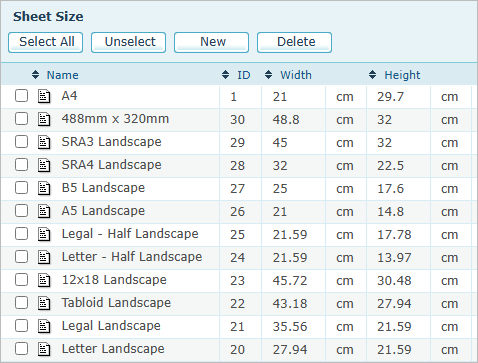
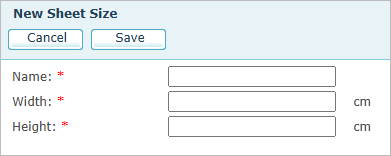
To create a new paper sheet size, click the New button, and fill in the appropriate values. You can later edit these custom sizes if needed.