
 View what's in this topic
XVS dashboard
The XMPie Video Service comes with a web management application known as XVS dashboard, which enables you to perform the following operations:
Embed text-to-speech in your project
Generate on demand assets using webhooks
Log in to the dashboard at https://dashboard-eu-prd1.xmpvs.com/
If your organization uses single sign-on (SSO), click Login with SSO on the login screen to sign in through your Identity Provider. See Signing in with SSO.
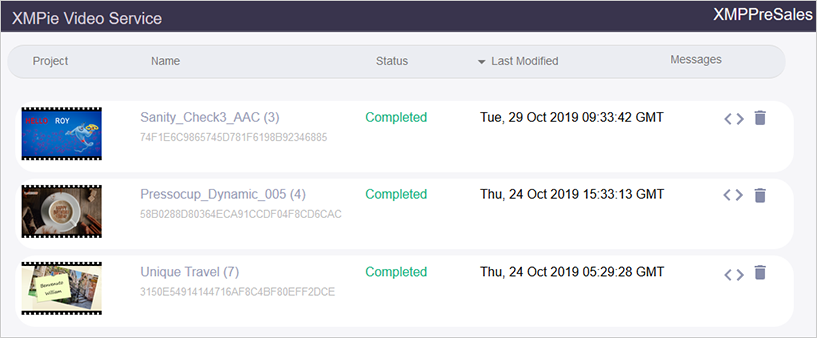
Viewing projects and records
You may view the various projects that have been rendered to the service.
Click a project to view its records, and then select the record you wish to run.
When viewing a project's records, you can quickly find and organize them:
-
Search: Search within a project for a specific record by typing the start of its record ID. The search matches records whose ID begins with the text you enter.
-
Sort: Sort the records by their creation date.